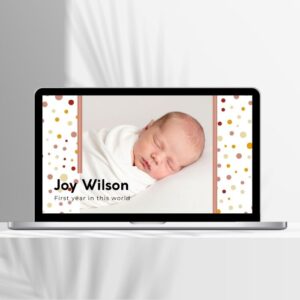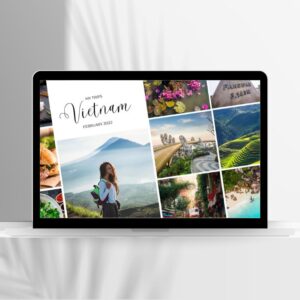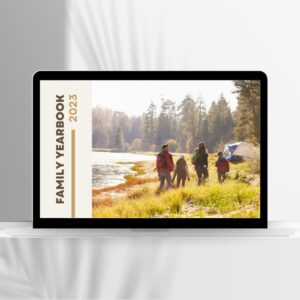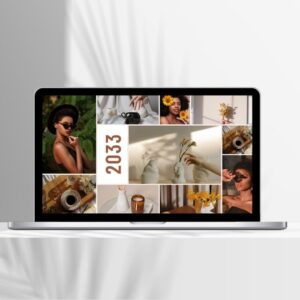




My Moments Photo Book Template | Editable in Canva

Price range: $1.9 through $4.9

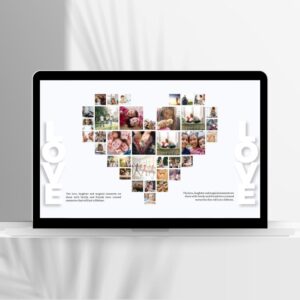
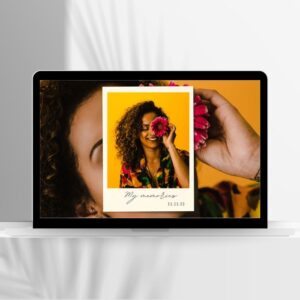
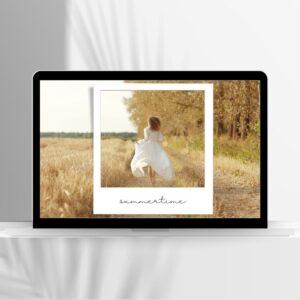
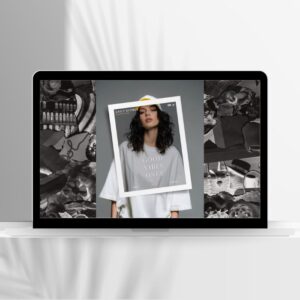
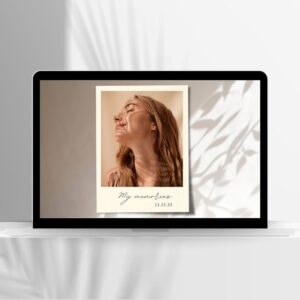
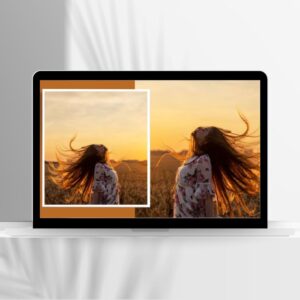
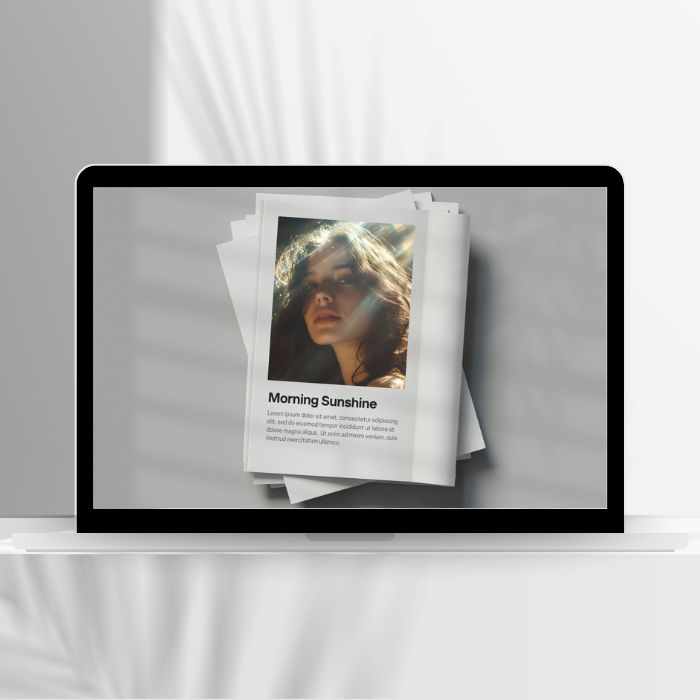
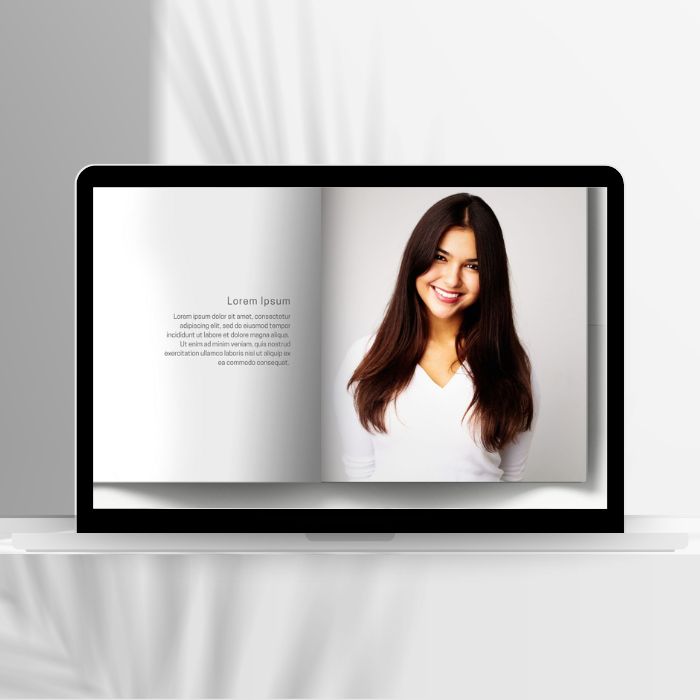
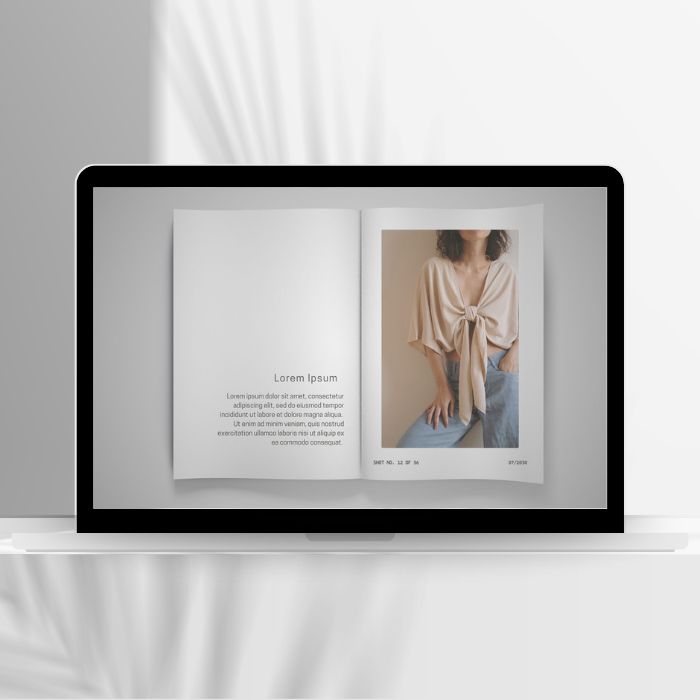
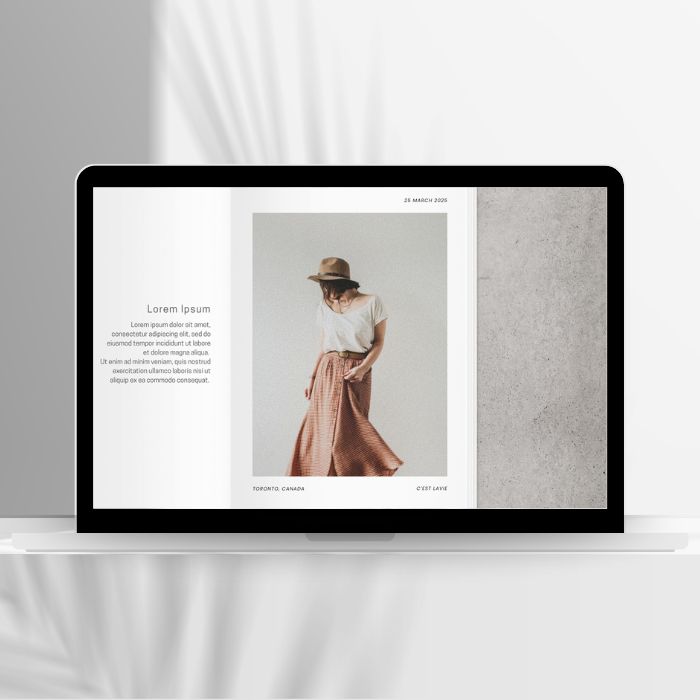
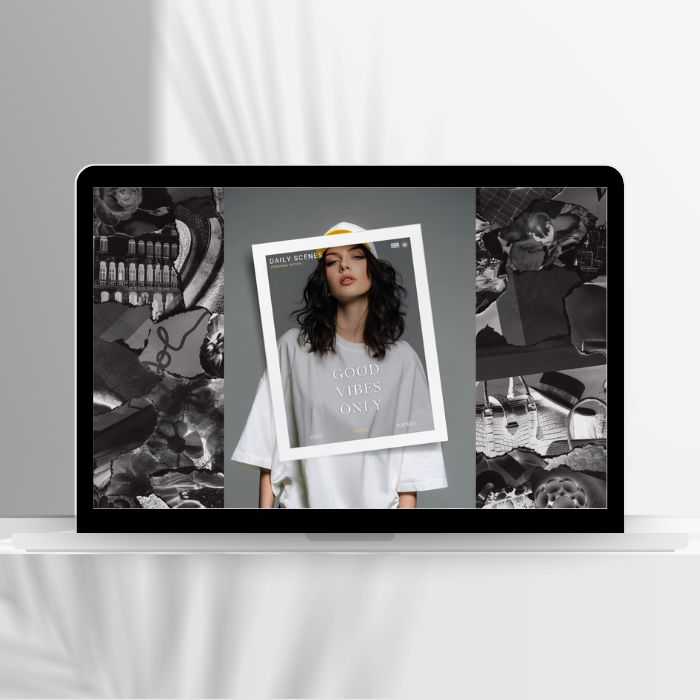
This collection of single-photo templates is crafted to to celebrate the beauty of every occasion in a woman’s life — from quiet milestones to bold celebrations. Each page holds space for a single photo, letting every moment shine with clarity and grace. Choose one, or embrace the full series — because every moment deserves to be seen.

Live Preview

  • Instant Download
  • 5 template pages. Edit on Canva. Here’s How
  • Template size : 1920 x 1080px.
  • The template is for online use not for print
  • For personal and non-commercial use only
Compare
Refund Policy
Ask Questions

Ask Questions


    SKU: N/A Category:
    About this item
    Instant Download

    Your files will be available to download once payment is confirmed. It’s a template link only. No physical item will be shipped to you.

    What will I receive after I make a purchase ?

    Upon purchase, you will receive a link to access the editable Canva template. This link will direct you to the design as displayed in the Live Preview.

    Please note that (1) Photos shown in the template previews are for demontration purposes only. These demo photos are not part of the purchased template and must be replaced with your own photos (2) Color variations may occur due to differences in screen settings.

    How to edit the template?

    To begin editing, follow the provided instructions or refer to the ‘How It Works’ guide. The template can be customized using a desktop, laptop, tablet, or mobile device via a web browser or the Canva app.

    Once your edits are complete, you may download the final design in JPG or PNG format or share it as a link.

    Where can I find the template link ?

    Once you’ve made your purchase, your template link will be available in three places: (1) your email confirmation, (2) the order received page, and (3) the Downloads section of your account at wisberr.com (if you’re logged in).

    Which elements of the template can I customize?
    • Photo, text, shape, colors, background and layout.
    • Duplicate or delete page
    • Add audio, video and animation.
    • Save file as JPG, PNG, video or share as a link.
    Refund

    Because digital products are instantly accessible, all sales are final and nonrefundable. However, if you encounter any issues with your order, please reach out, and we’ll do our best to resolve your concerns.

    If you’re uncertain whether this product suits your needs? Try one of our monthly free templates to explore the process, or reach out to us with any questions before purchasing.

    Support

    For any problem you have with your order, please email us at support@wisberr.com. Our team will respond to your request within 24 hours.

    When you purchase, you agree that you have read and accept template’s highlights and description.

    (*) Canva is free to use, but certain fonts and design elements marked as ‘Pro’ or featuring a watermark may incur additional costs as per Canva’s policy. To remove the watermark, please follow Canva’s instructions or reach out to us for assistance.

    How It Works

    This guide walks you through editing your template step by step. While editing, click the question mark icon at the bottom right for help from Canva, or contact us directly if you need further support.

    Edit a photo book template from a template link in Canva

    1. Click the template link you received.
    2. Select Use template to open it in the editor.
    3. Replace your own photos.
      Go to Uploads to add your own photos, or use the Photos tab to search Canva’s library, drag your chosen photo over the spot until it snaps into place.
    4. Adjust Photo Placement.
      Double-click the photo to resize, reposition, or crop it.
    5. Edit text.
      Click on any text box and typing your own words. Customize colors, fonts, and text background using the top toolbar.
    6. Replace photos with solids color or text
      Select a photo, click Delete on keyboard or right-click and choose Delete, using the top toolbar to change background colors, then go to Text on the left toolbar to add text
    7. Duplicate, remove pages or add new pages.
      Click a page thumbnail at the bottom of the editor, then select your option.

    Additional steps to help you customize your photo book template in Canva

    1. Change Layouts
      Go to the Design tab, then select Templates to explore different page layouts or add new template pages. Alternatively, add a blank page and start building with available or your custom elements
    2. Add Element
      Use the Elements tab to add stickers, shapes, lines, or icons for extra flair.
    3. Apply Filters
      Select a photo, then use the Edit photo option above the editor to adjust brightness, contrast, or apply filters.
    4. Reorder Pages
      Drag and drop page thumbnails to rearrange the order of your photo book.
    5. Add Backgrounds
      Use the Background tab or drag a color or image onto a page to change its background.
    6. Preview Your Book
      Click Present or Preview at the top to see how your photo book will look.

    Export your finished photo book

    1. In the editor, click Share on the top menu.
    2. Select Download, select which pages to download or choose All pages.
    3. Choose your preferred file type (JPG or PNG recommended)
    4. Click Download.

    Reviews (0)

    Reviews

    There are no reviews yet.

    Only logged in customers who have purchased this product may leave a review.

    Scroll To Top
    Close
    Close
    Close

    My Cart

    Shopping cart is empty!

    Continue Shopping

    Select at least 2 products
    to compare